


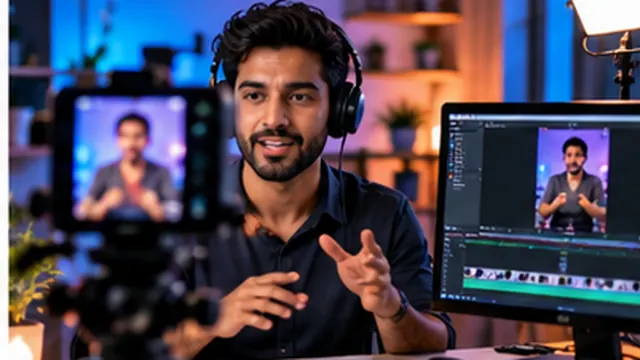
AI can speed up the process of turning a longer video into Shorts by finding candidate highlights, generating captions, cleaning audio and preparing scripts or translations. The creator still needs to choose the story, check context and approve the final edit.
Start with a real tutorial, product demonstration or travel clip. Review every cut and caption, obtain consent for identifiable people and use licensed music and visuals before publishing.
Put this guide into practice: real tasks, examples and AI tools
Use these workflows as practical starting points for everyday tasks. Each example names tools from the AIToolsBowl directory; choose the tool that fits your task, check its current features and pricing, and verify important outputs before acting.
- Turn one long tutorial into several Shorts: A 12-minute cooking or software tutorial can be imported into OpusClip or OpusClip to find candidate highlights. Review each cut for context, correct sequence and a complete takeaway.
- Create accurate captions for a spoken video: Use CapCut or VEED to generate captions, then correct names, product terms, Telugu/Hindi words and punctuation manually. Captions should match the spoken audio.
- Write a 30-second script from a real tip: Give ChatGPT a specific audience and one verified tip—for example, how to check a phone setting. Ask for a hook, three steps and a closing line; test that the steps work before recording.
- Record a clean voiceover in a noisy room: Record a draft and use Adobe Podcast or Auphonic to improve speech clarity. Listen for clipped words, unnatural processing and background artefacts before publishing.
- Create a multilingual version of a Short: Use HeyGen or DubTab to prepare a translated version where supported. Have a fluent speaker check pronunciation, meaning, names and lip-sync before publishing.
- Make a consistent branded opening and end card: Use Canva or Adobe Express to create reusable intro, logo and subscribe cards. Keep them brief so they do not delay the useful content.
- Create a product demo Short: Record the actual product workflow, then use Descript or CapCut to remove pauses and add labels. Do not fabricate app screens or show features that the product does not have.
- Plan a week of short videos: Ask ChatGPT for five distinct video angles based on real customer questions, then organise scripts and filming dates in Notion AI. Check each topic for accuracy and avoid repeating the same clip.
- Create a simple animated explainer: Use InVideo AI or Pictory to create a first cut from a verified script. Replace generic stock scenes that do not match the subject and add source credits where required.
- Review performance and improve the next Short: Compare audience retention, viewed-versus-swiped-away and traffic sources in YouTube Studio. Use Google Analytics only for linked website outcomes; do not judge success by views alone.
How to get started
- Choose one specific task and define the result you need.
- Gather only the information required; remove personal, confidential or regulated data unless the provider and your organisation explicitly permit its use.
- Try one or two relevant tools with a small sample and compare output quality, effort, limitations and cost.
- Verify facts, calculations, links, permissions and any safety-critical advice with an authoritative source or qualified professional.
- Save the workflow that worked, record the date and tool plan tested, and review it when the provider changes features or terms.