These prompts are written for editing your OWN photos in AI image editors: fixing lighting, trying a different outfit, cleaning up a background or restoring an old family picture. Paste the prompt, attach your photo, and check the result carefully before sharing it anywhere.
A few honest ground rules: edit photos of yourself or photos you have permission to edit, keep results truthful, and never use these to impersonate someone or mislead others. Features change fast, so check what your chosen tool allows on its official site.
Use these prompts only on photos of yourself or photos you have permission to edit. Do not use AI edits to impersonate anyone or to create misleading images.
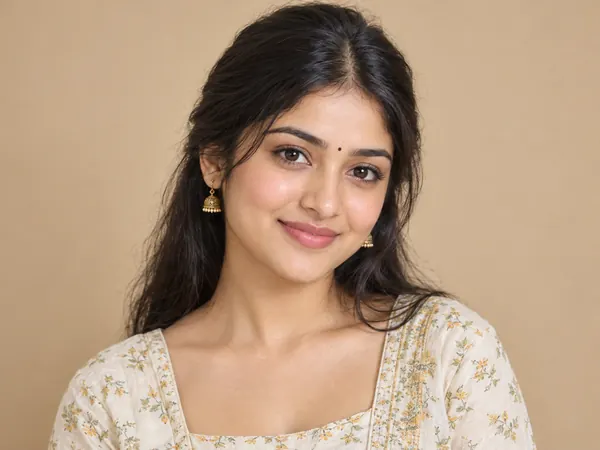
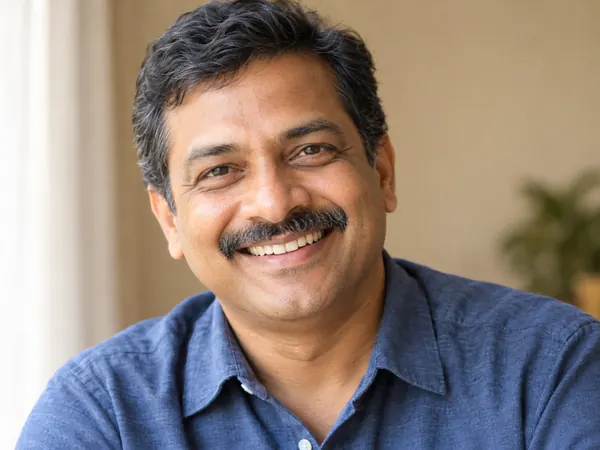
Sample output (AI-generated illustration)
Natural skin retouch
Cleans up a selfie without the plastic, over-smoothed look.
Edit this photo of me: gently even out my skin tone and reduce temporary blemishes and under-eye shadows, while keeping my natural skin texture, pores, moles and facial features exactly as they are. Keep the original lighting, colours and background unchanged. Do not change my face shape, eyes, nose, lips or smile.
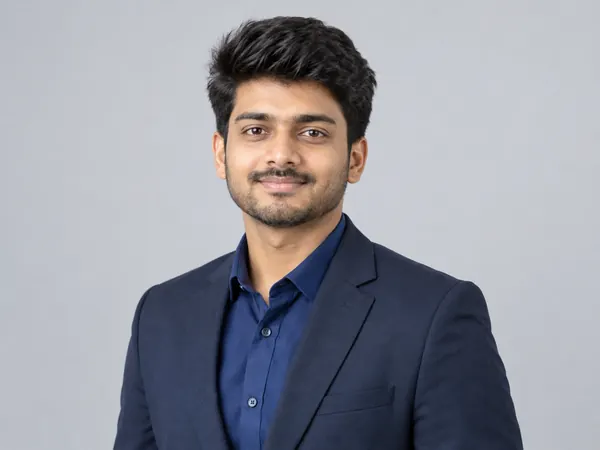
Edit this photo of me: replace my current clothes with a well-fitted navy blue formal shirt with a dark blazer. Keep my face, hair, pose, expression and the background exactly the same. Match the fabric folds, shadows and lighting on the new outfit to the original photo so it looks like I am really wearing it.
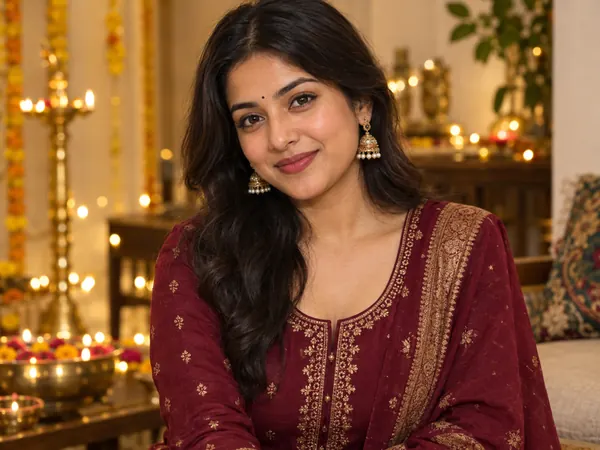
Try a desi festive outfit on your own photo before you shop.
Edit this photo of me: change my outfit to an elegant traditional Indian festive outfit in deep maroon and gold tones, with tasteful, subtle embroidery. Choose a kurta or a saree style, whichever suits the pose in the photo. Keep my face, expression, hairstyle and the background completely unchanged, and match the lighting so it looks like a real photograph.
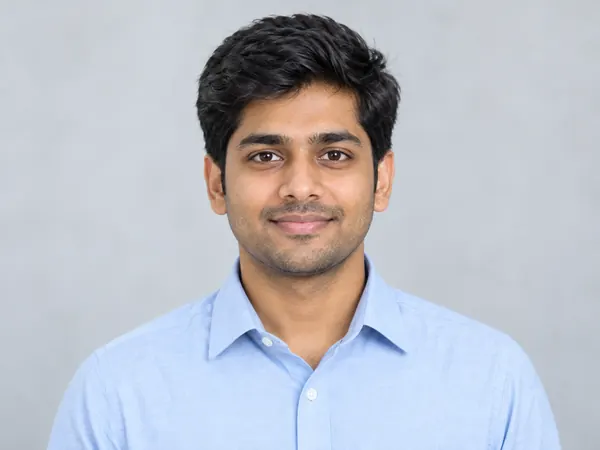
A tidy studio-style background for LinkedIn and WhatsApp profiles.
Edit this photo of me: replace the background with a clean, softly blurred light-grey studio background. Keep me perfectly cut out with natural edges around my hair and clothes, and keep the original lighting, colours and shadows on me. Do not retouch or change my face in any way.
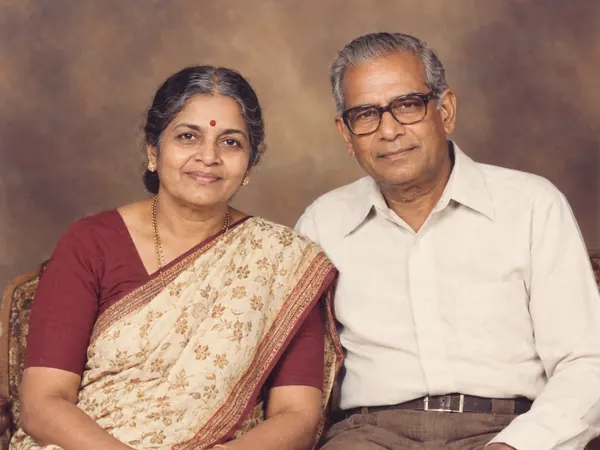
For scanned prints that have scratches, fading or a yellow cast.
Restore this old scanned photograph: remove scratches, dust spots and crease marks, correct the fading and the yellow colour cast, and sharpen the faces gently. Keep the authentic vintage character of the photo. Do not add or remove any person, and do not change anyone's facial features or expression.
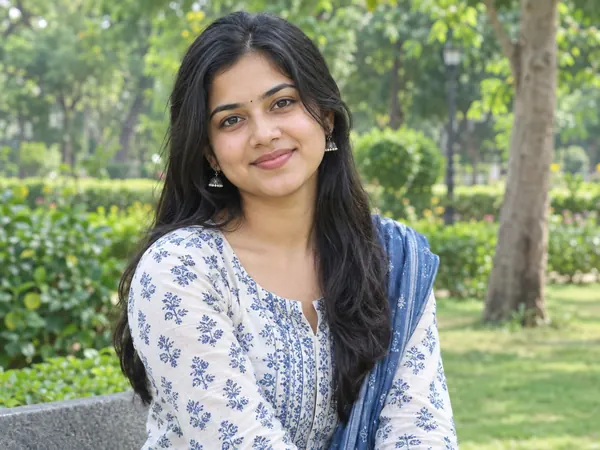
Rescues outdoor photos shot in hard afternoon sun.
Edit this photo of me: soften the harsh shadows on my face caused by direct sunlight, recover detail in the over-bright areas, and balance the overall exposure so skin tones look natural and even. Keep the colours realistic and the background unchanged.
One or two shades only, so it still looks like you.
Edit this photo of me: whiten my teeth very subtly, only one or two shades, so the smile looks fresh but completely natural. Keep the natural shape and slight colour variation of real teeth. Do not change my lips, face shape, skin or anything else in the photo.
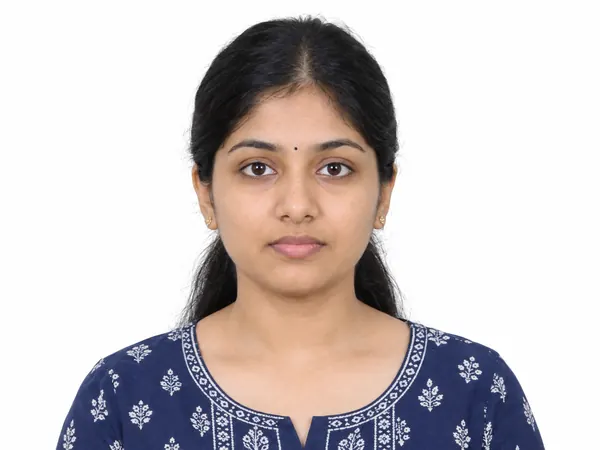
A clean head-and-shoulders photo for forms and IDs. Check the exact official size and rules before using it.
Turn this photo of me into a passport-style portrait: plain white background, head and shoulders centred, face evenly lit with soft shadows, natural colours, looking straight at the camera. Keep my facial features, hairstyle and skin tone completely unchanged.
Your privacy matters Essential storage keeps the site working. Advertising cookies load only if you accept. You can reject non-essential cookies. Privacy Policy.